QR code studio
Turn a URL or arbitrary text into a QR code, then make it your own.
SVG URL
SVG URL unavailable until the form is valid.URL excludes local images and logo; download SVG to include them.
How to use it
- Enter a full URL (including https://) or any text.
- Choose styles and colours; the preview updates automatically.
- Download PNG or SVG and test it before sharing or printing.
Change the destination later
Create a shortcut at short.nigelthorne.com, then encode that short URL here. Edit its destination later without reprinting the QR code. Visit stats count requests to the shortcut, not confirmed destination-page views. Plain text and direct URLs have no short-link stats.
Generate using a link
Plain PNG: /qrcode.jpg?p=Hello%20world. Styled SVG: /qrcode.svg?p=Hello%20world&roundness=1&eyeRoundness=0.44.
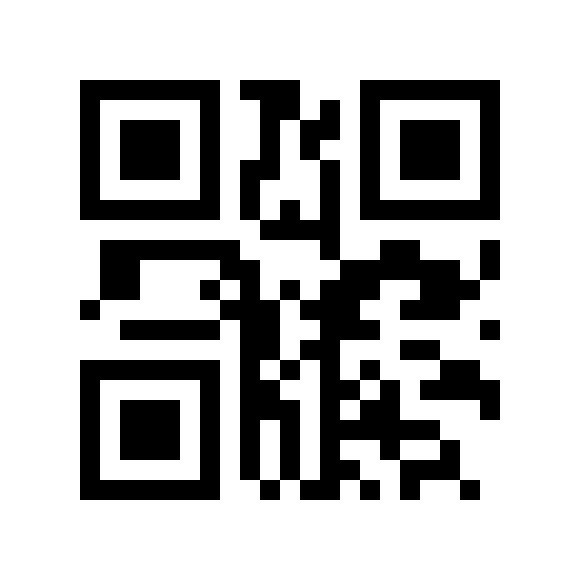
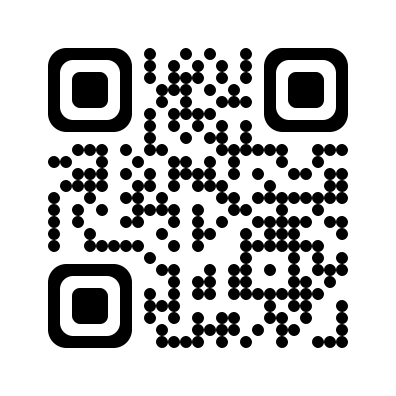
p is URL-encoded text. SVG options: roundness and eyeRoundness (0 square to 1 circle), fg/light/bg (URL-encoded hex colours), darkOpacity/lightOpacity/bgOpacity (0–1; eye backgrounds follow light dots), border (0–16 whole modules; 4 by default), scale (0.75–1), ecc (L, M, Q or H; H by default). Legacy shape and eyes values square, rounded and circle remain accepted. Numeric roundness takes precedence. QRCoder automatically chooses numeric, alphanumeric or byte encoding and the smallest fitting QR version. Background images and centre logos are available in browser downloads only. The legacy t parameter is ignored; the .jpg endpoint actually returns PNG.
Powered by QRCoder. Styling inspired by Nigel Thorne's contributions to its ArtQRCode renderer, with a Linux-compatible SVG renderer.